



Production
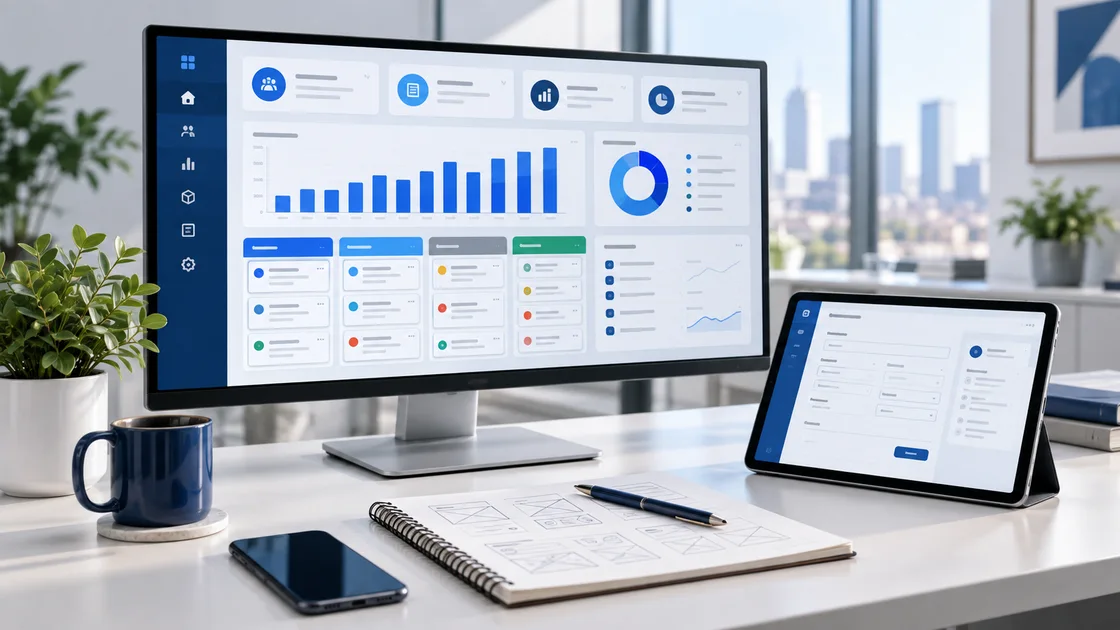
Monitor manufacturing processes, costs and performance reports.
 Manufacturing & Industry ↗
 Technical Service ↗
 Logistics & Distribution ↗
 E-Commerce ↗
 Construction & Engineering ↗
 Healthcare & Medical ↗
What does Sarman 360 do?
Move work scattered across files, messages and applications into a secure CRM / ERP system with shared data, helping your team work faster and management gain visibility.
One system · shared data
Departments work with the same current information, reducing duplicate entry, lost records and untracked tasks.
Monitor manufacturing processes, costs and performance reports.
Manage users, roles and access permissions.
Keep customer details and communication history together.
Track potential sales through each stage.
Assign team tasks and monitor progress.
Prepare quotations and track their outcomes.
Manage sales transactions and customer orders.
Track invoices and account movements.
Track returns alongside sales records.
Manage product information in an organised catalogue.
Track product distribution across warehouses.
Track stock receipts, issues and available quantities.
Manage purchasing requirements and procurement.
Record assets issued to employees.
Keep business documents organised and accessible.
Configure the system's master data and settings for your business.
Stay informed about key events and process updates.
Track cash and bank movements together.
Monitor finances by recording income and expenses.
Monitor your team's sales targets and achievements.
Plan work and track its status.
Track service requests and interventions.
Organise maintenance work and its schedule.
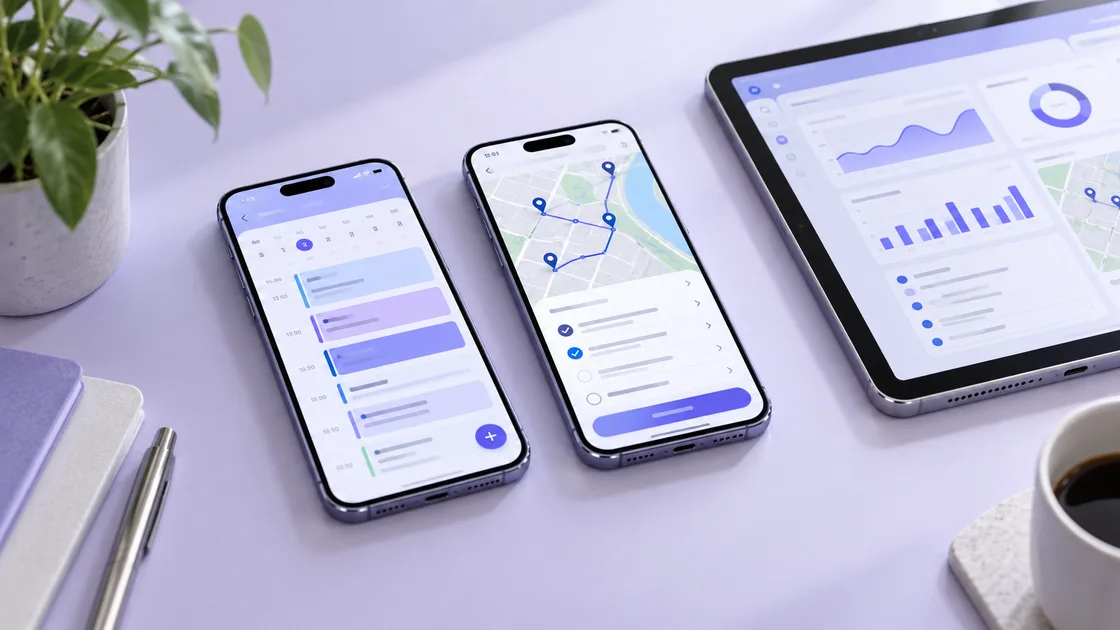
Plan field visits using route and location data.
Collect information from the field using mobile forms.
Manage employee information and HR processes.
Review integration logs to monitor processes.
Combines each customer's sales, communication, quotes and transaction history on one screen.
Tracks prospects from their source through to sales opportunities.
Plans and records calls, meetings and customer conversations.
Manages campaign goals, channels and responses.
Tracks loyalty programmes and customer referrals.
Builds accurate quotations from products, services and options.
Connects store sales, collections and inventory movements.
Manage campaigns and pricing rules.
Track sales-related commissions and bonuses.
Manage dealer information and business relationships.
Give customers access to their own information.
Manage projects, tasks and progress.
Coordinate operational work in one place.
Creates material and supply plans based on production needs.
Record support requests and track resolutions.
Tracks customer-installed products, scheduled maintenance and service history.
Manages team, resource and customer appointments in a shared calendar.
Track warranty records and related services.
Evaluate customer feedback and satisfaction.
Manage quality control processes and records.
Record business risks and track mitigation measures.
Manages locations, shelves, picking and warehouse operations in detail.
Evaluates suppliers by price, quality and delivery performance.
Organise shipments and delivery processes.
Tracks import and export operations, including documents and processes.
Tracks cheque and promissory note portfolios by due date and status.
Manages account balances, payment plans and collections.
Connects card collections and payment results to the system.
Track employee expenses and advance payments.
Track contracts and their validity periods.
Manage subscription records and renewal periods.
Brings critical indicators together in live management dashboards.
Everyday workflows
Authorised users see their tasks, managers track results and customers can participate through the portal when needed.
Start a customer, quotation, work order, service or production record on the relevant screen.
Set responsibilities, deadlines, priorities and approval steps to make work visible.
Add photos, forms, locations, documents and outcomes using mobile-friendly screens.
Monitor sales, collections, inventory, teams and operations with up-to-date reports.
Secure and extensible
Role-based permissions give each user access only to what their work requires. Audit logs, backups and secure connections are planned for business use.
Start with Starter, Professional or Ultra and add modules, users and integrations as your needs grow.
Let us discuss the right setup